

A website helps people find information about your organization, explore your services, and decide what to do next. A web app gives users tools to complete tasks, manage information, or interact with your business in a more hands-on way. Both run in a web browser, but they serve different primary purposes.
Think about a nonprofit that needs to explain its mission, introduce its programs, and encourage donations. A well-designed website can support all those needs. Now imagine that the same nonprofit wants donors to manage recurring gifts, view giving histories, and update their account information. Those interactive features may call for a web application.
Understanding the difference between a website and a web app can help you plan a digital experience that fits your audience, budget, and long-term goals.
What Is a Web App?
A web app, short for web application, is software that people access through a web browser. Unlike a traditional informational website, a web app lets users perform tasks and interact with data. Users might log in, submit information, manage an account, complete a transaction, or collaborate with others.
Common examples of web apps include:
- Customer portals: Let customers view account details, track orders, or access documents.
- Booking and scheduling tools: Allow users to check availability and make appointments.
- Project management platforms: Help teams assign tasks, share files, and track progress.
- Online calculators and configurators: Let users estimate costs, compare options, or customize a product.
- Membership platforms: Give members access to resources, profiles, event registration, or private content.
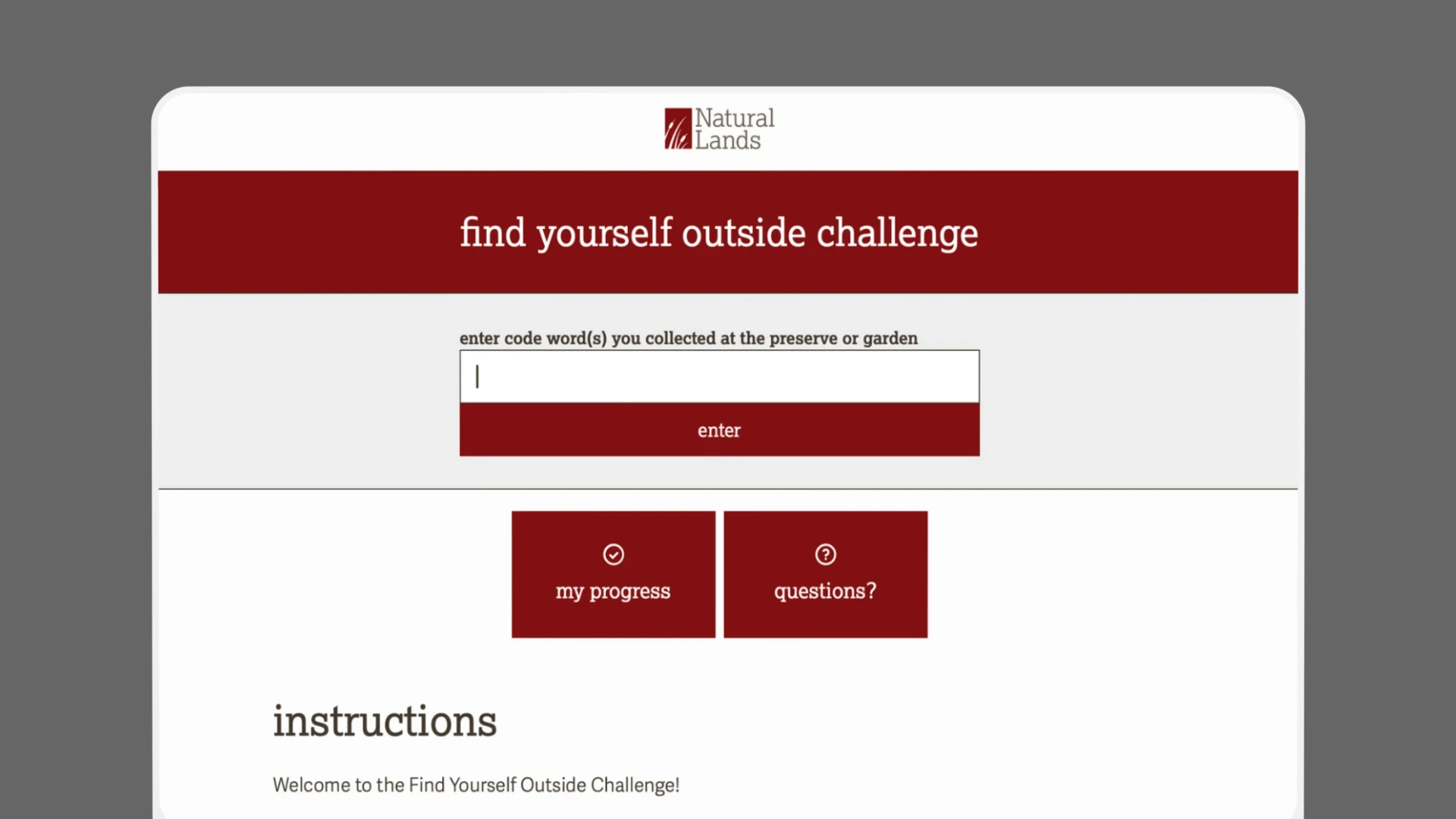
A web app can look and feel much like a website. The distinction comes down to what users can do with it. A page explaining your services is primarily informational. A tool that lets visitors configure a service, calculate an estimate, and save their selections has application-like functionality.
Some digital experiences combine both. An organization might have a public-facing website for marketing and a secure web app for customers or members.
Website vs. Web App: Pros and Cons
Neither option is inherently better. The right choice depends on what your audience needs to accomplish and what your organization needs its digital presence to support.
Benefits of a Website
A website is often the best starting point for organizations that need to establish a credible online presence and communicate clearly with their audiences.
Advantages include:
- Straightforward communication: Share your services, mission, expertise, location, and contact information.
- Search visibility: Publish useful content that helps potential customers find you through search engines and AI-powered search experiences.
- Lead generation: Encourage visitors to call, fill out a form, schedule a consultation, or request a quote.
- Brand consistency: Create a cohesive experience that reflects your visual identity, messaging, and values.
- Manageable upkeep: Many standard websites can be maintained through a content management system without extensive technical resources.
A website can still include interactive features such as contact forms, online payments, event registration, and search tools. These features don’t automatically mean you need a full web app.
Potential drawbacks: A basic website may not support complex workflows, personalized dashboards, or ongoing interactions with large amounts of user-specific data without additional functionality. If your audience needs to complete detailed tasks, a collection of informational pages may not be enough.
Benefits of a Web App
A web app can support more involved interactions and give users a central place to manage tasks.
Advantages include:
- Interactive functionality: Users can do more than read content, such as managing accounts, submitting requests, or tracking progress.
- Personalized experiences: Logged-in users can access information and tools relevant to their roles or accounts.
- Process efficiency: Automated workflows can reduce repetitive administrative work and manual data entry.
- Convenient access: Users can typically access the application through a browser without installing traditional desktop software.
- Integration opportunities: A web app may connect with other systems, such as customer relationship management (CRM) platforms, payment processors, or internal databases.
Potential drawbacks: Web apps usually require more planning and development than a straightforward informational website. They may also need more extensive testing, security measures, integrations, ongoing maintenance, and user support.
Website vs. Web App vs. Mobile App
These terms often overlap, but they describe different ways people access digital experiences.
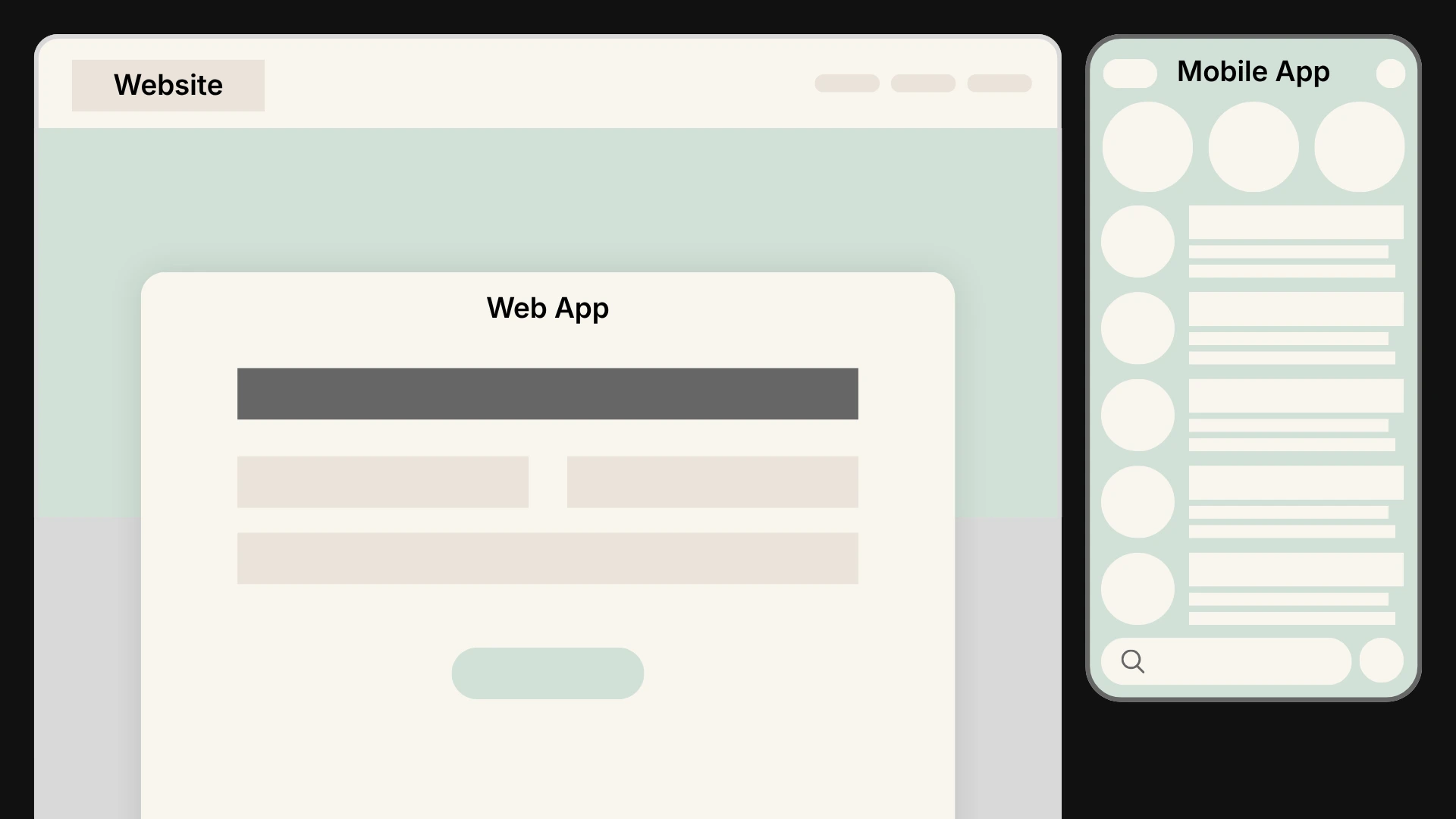
A website runs in a browser and primarily presents information, although it can include interactive features. A web app also runs in a browser but focuses on helping users complete tasks or work with data. A mobile app is software designed to run on a mobile device, typically installed through an app store or another distribution method.
For example, a financial services firm might use a website to explain its offerings, a web app to let clients view financial documents, and a mobile app to provide account access and device-specific features.
A web app can work well on a phone if it has a responsive, mobile-friendly interface. However, a dedicated mobile app may be a better fit when users need deeper integration with device capabilities, such as background processing, Bluetooth, or certain offline functions. The right approach depends on how people will use the product and which capabilities they need.
What Is a Progressive Web App?
A progressive web app (PWA) is a type of web application built to offer some experiences commonly associated with installed apps. Depending on its implementation and the user’s device and browser, a PWA may support installation, offline access, and notifications.
PWAs can be useful when an organization wants a browser-based experience that feels more app-like without developing separate native apps for every platform. However, support for individual features varies across browsers and operating systems, so requirements should be evaluated before choosing this approach.
Does Your Business Need a Website or a Web App?
Start with the problem you’re trying to solve. The technology should follow your audience’s needs, not the other way around.
A website may be the right fit if…
- People primarily need to learn about your organization, services, or programs.
- Your main goals are increasing visibility, generating leads, or building credibility.
- Visitors need to browse resources, read articles, or find answers to common questions.
- You want to accept inquiries, donations, registrations, or payments through relatively straightforward tools.
- Your team needs a manageable way to update content and share information.
For many small businesses and nonprofits, a well-planned website can meet these needs without the cost and complexity of a custom application.
A web app may be the right fit if…
- Users need to log in and access information specific to their account or role.
- Your organization relies on a multi-step process that could benefit from automation.
- Customers, employees, or members need to manage records, submit requests, or track activity.
- Your team is spending significant time handling repetitive tasks manually.
- Existing tools no longer support the workflow your organization needs.
A web app is worth exploring when the functionality supports a clear user need or operational challenge. The potential benefits should be specific enough to explain, such as reducing administrative time, improving access to information, or making a complex process easier to complete.
A Simple Framework for Making Your Decision
If you’re still unsure, use these questions to narrow down your options.
1. What does your audience need to do?
List the main tasks users need to complete. Finding information, reading content, and contacting your team generally point toward a website. Managing accounts, working with personalized data, or completing complex workflows may point toward a web app.
2. Can existing tools meet the need?
Before investing in custom development, consider whether a content management system, scheduling tool, membership platform, or third-party integration can provide the functionality you need. A custom web app may be appropriate when off-the-shelf tools can’t support your requirements or create an acceptable user experience.
3. What resources will you need to maintain it?
Consider your budget, internal expertise, security requirements, and capacity for ongoing support. An app needs a plan for updates, testing, user access, and troubleshooting. A website also requires maintenance, but its needs may be less involved depending on its features.
4. How might your needs change?
Think about the next few years. Your organization may need new integrations, more personalized features, or additional ways for users to interact with your services. Planning for growth can help you choose a flexible solution without paying for functionality you don’t need yet.
5. How will you measure success?
Set clear expectations before development begins. A website might be evaluated through qualified inquiries, engagement with key pages, or completed registrations. A web app might be measured through task completion, adoption, time saved, or fewer support requests. The measures should reflect the problem you’re trying to solve.
Build a Digital Experience Around Your Goals
The website vs. web app decision starts with understanding your audience and the experience you want to provide. A website can introduce your organization, build trust, and encourage action. A web app can help people complete tasks, access personalized information, and interact with your services more efficiently. Some organizations benefit from both, with each serving a distinct purpose.
Cross & Crown helps businesses and nonprofits plan and build digital experiences that support their goals, from custom websites to more involved web development projects. Our team considers your audience, functionality, brand, and long-term needs to help determine an approach that makes sense for your organization.
Have a digital project in mind? Contact Cross & Crown to discuss your needs and explore the right path forward.

Cross & Crown
Based in Chambersburg, PA, we build & refine brands that inspire trust, drive engagement, lead with purpose, and ensure a thriving future.
Last Update: October 29, 2026
Read More
October 26, 2026
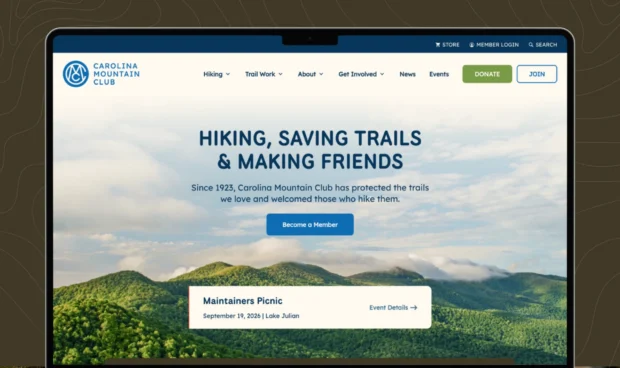
How Much Should a Nonprofit Website Cost in 2026?
Five agencies can give you five very different website quotes. Learn what goes into nonprofit website cost in 2026, from strategy and design to development, content, and ongoing support.
Read Post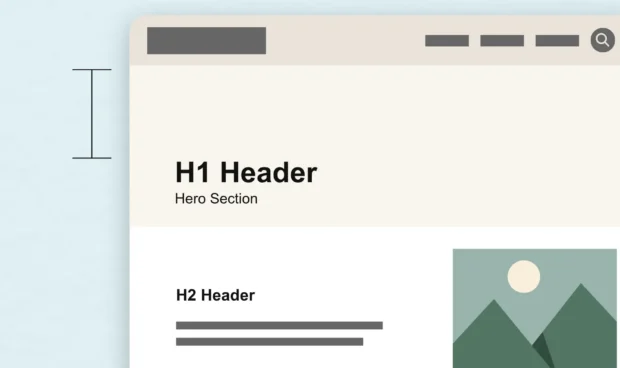
September 22, 2026
White Space Is One of the Most Powerful Design Tools
White space is more than empty space on a page. Learn how intentional spacing in web design improves readability, guides attention, and creates a better user experience.
Read Post
September 15, 2026
The Complete Guide to WCAG 2.2 for Website Owners
WCAG, the ADA, and other accessibility requirements often get discussed together, but they serve different purposes. Here's what website owners should know about accessibility standards, legal requirements, and creating a more usable website.
Read Post