
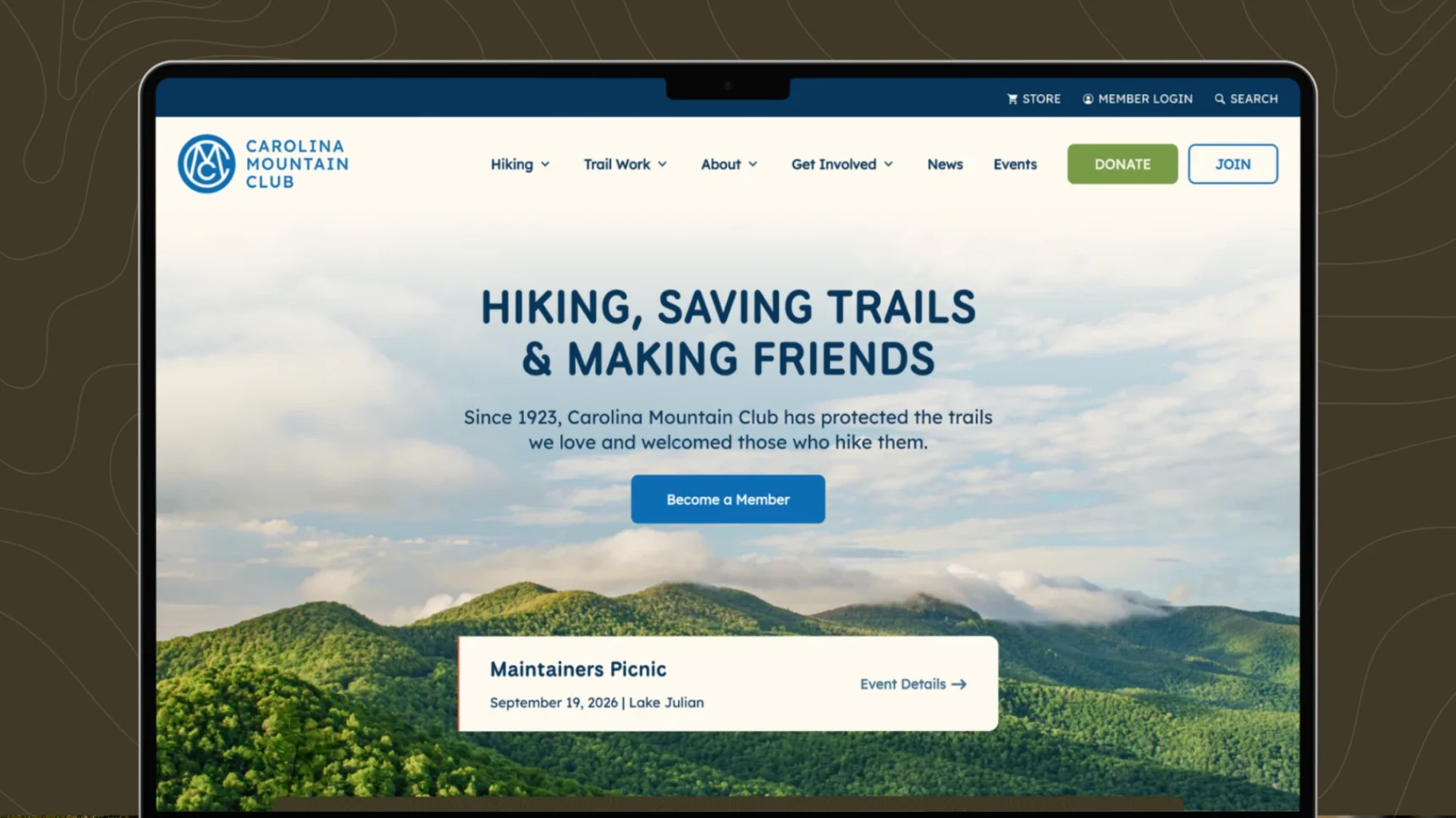
Ask five agencies what a nonprofit website costs, and you may get five very different answers.
That can make budgeting for a website frustrating, especially when you’re trying to explain the number to a board, executive director, or finance team. A nonprofit website might cost a few thousand dollars for a simple project, while a custom site with strategy, content, integrations, and advanced functionality can reach $30,000, $50,000, or more.
For many small and midsize nonprofits, $10,000 to $30,000 is a reasonable range to consider for a professionally designed custom website in 2026. The bigger question is what that investment includes and where your organization actually needs to spend.
Let’s break down the factors behind nonprofit website cost so you can build a more informed budget, understand what you’re paying for, and know what to look for when comparing proposals.
What Does a Nonprofit Website Cost?
A nonprofit website can cost anywhere from a few hundred dollars for a DIY setup to $50,000 or more for a highly customized digital experience. The biggest differences come down to scope, functionality, strategy, and who is doing the work.
These ranges are guidelines rather than fixed industry rates. A five-page website for a small nonprofit and a 75-page website serving multiple programs and audiences are very different projects, even if both are called a “website redesign.” That distinction is important to consider when comparing proposals.
Why Does Website Design for Nonprofits Cost So Much?
A website is easy to think of as a collection of pages. A good website requires considerably more work than putting those pages together.
Strategy comes first. Your website needs to reflect your organization’s goals, audiences, priorities, and brand. For a nonprofit, that might mean helping prospective donors understand your impact, making it easier for people to access services, recruiting volunteers, promoting programs, or giving funders a clear picture of your work.
Design determines how those ideas become an experience. A custom design considers your brand, content, audience, mobile users, navigation, calls to action, and the visual hierarchy of each page.
Development turns that design into a functioning website. Responsive layouts, content management tools, forms, integrations, search functionality, accessibility considerations, analytics, and other technical requirements all take time.
Content can be another significant part of the project. A redesign may require new messaging, rewritten pages, photography, video, program descriptions, impact stories, or a complete content migration.
That is why two proposals with the same page count can have very different price tags.
What Should Be Included in a Nonprofit Website?
When evaluating website proposals, look beyond the number of pages. A lower quote may look appealing until you realize that important pieces of the project are missing.
For a professionally designed nonprofit website, you may want to consider:
- Discovery and website strategy
- Sitemap and information architecture
- Custom visual design
- Responsive development
- Content migration
- Copywriting or content strategy
- Search engine optimization
- Donation or fundraising integrations
- Forms and email integrations
- Event calendars or registration
- Analytics and conversion tracking
- Accessibility considerations
- CMS training
- Website maintenance and support
Not every nonprofit needs every item on that list. The right scope should be built around your organization rather than a standard package.
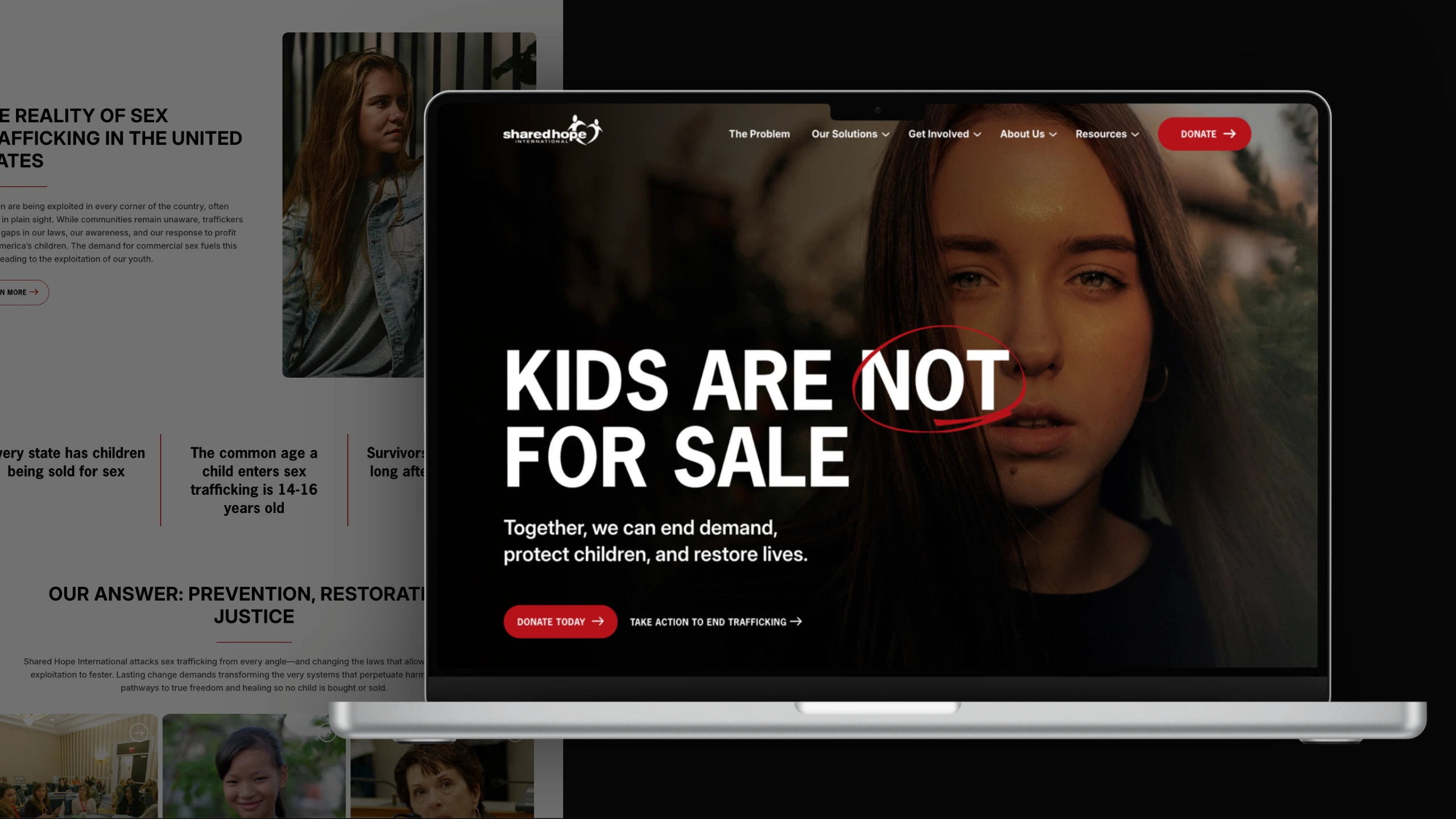
Cross & Crown’s approach reflects that broader view of web design. Our full-service agency believes a website works best when the strategy, brand, content, and digital experience are considered together.
What Makes a Nonprofit Website More Expensive?
Several factors can move a project from the lower end of the range toward $30,000 or beyond.
More content
A nonprofit with 10 pages will have a very different project from one with 50, 100, or more pages. Large content libraries require more planning, migration, organization, and quality control.
More audiences
Many nonprofits serve several audiences at once. Donors, volunteers, program participants, community partners, funders, and prospective employees may all arrive with different questions and needs.
Creating clear pathways for those audiences can require additional strategy and UX work.
More functionality
Donation systems, event registration, membership tools, CRM integrations, searchable directories, resource libraries, and other custom functionality add development time.
More strategic work
A website that needs to clarify positioning, restructure content, improve conversion paths, or support a larger digital marketing strategy requires more planning than a simple visual refresh.
A broader brand project
Sometimes a website redesign reveals a larger branding problem. If the visual identity, messaging, photography, or positioning also need attention, the website project may become part of a broader brand strategy.
That can increase the investment, but it can also make the final website considerably more effective.
Where Should a Nonprofit Spend Its Website Budget?
A larger budget does not automatically produce a better website. The strongest investment is usually the one that addresses the organization’s biggest needs. For some nonprofits, that means putting more resources toward content and messaging. For another organization, improving the donation experience may matter most. A growing nonprofit may need a stronger brand and clearer program structure, while a larger organization may need better navigation across a substantial amount of content.
Think about what you need the website to accomplish.
If the primary problem is that visitors cannot figure out what your organization does, additional features will not solve it. If people understand your mission but struggle to donate, volunteer, register, or contact someone, improving those conversion paths may have a greater impact than adding another section to the homepage.
This is where thoughtful website design for nonprofits should connect back to organizational goals.
What About Ongoing Website Costs?
The initial website investment is only part of the budget. Nonprofits should also plan for ongoing expenses such as hosting, domain registration, software subscriptions, security, maintenance, content updates, SEO, and digital marketing.
Some of these costs may be relatively small. Others depend on how actively your organization uses its website.
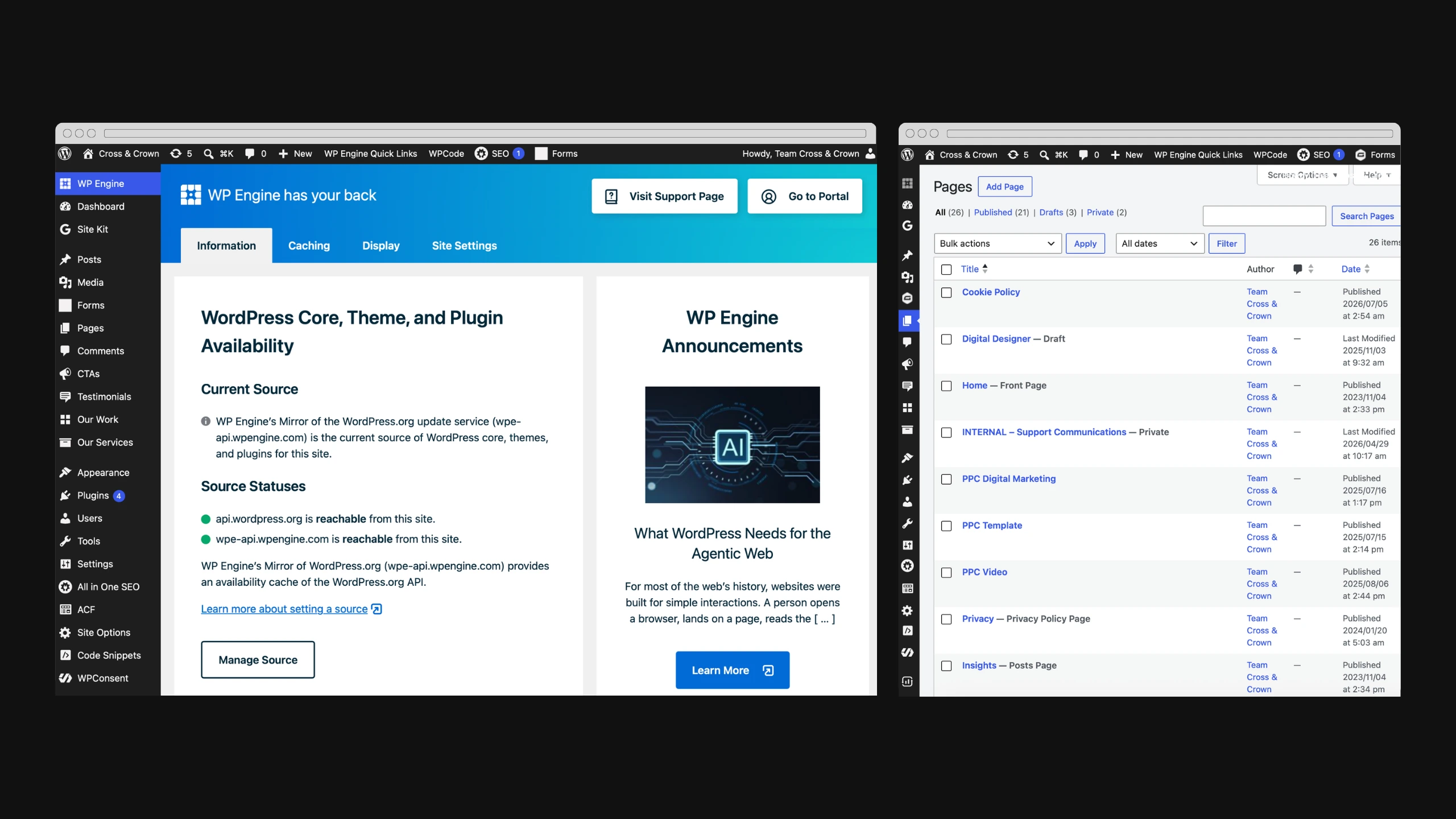
It is also worth budgeting for ongoing content. A website that launches with strong messaging but goes untouched for three years will quickly become outdated. Your website should have a process for keeping information current. A content management system that your team can use comfortably can make a major difference here.
Build the Website Around the Work You Need It to Do
There is no magic number for nonprofit website cost in 2026. A useful budget starts with your organization’s goals, audience, content, functionality, and capacity to manage the site after launch.
For many small and midsize nonprofits, $10,000 to $30,000 is a realistic range to consider for a professionally designed custom website, with simpler projects below that range and more complex organizations moving beyond it. The best investment gives your organization a website that communicates clearly, supports your goals, and provides a foundation you can continue building on.
If you’re planning a nonprofit website redesign and need help determining what your project should include, Cross & Crown can help you evaluate your current site, define the right scope, and build a digital experience around your organization’s goals. Contact us to start the conversation.

Cross & Crown
Based in Chambersburg, PA, we build & refine brands that inspire trust, drive engagement, lead with purpose, and ensure a thriving future.
Last Update: October 1, 2026
Read More
September 22, 2026
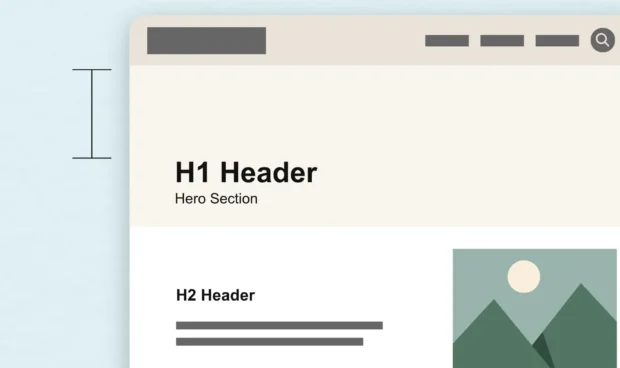
White Space Is One of the Most Powerful Design Tools
White space is more than empty space on a page. Learn how intentional spacing in web design improves readability, guides attention, and creates a better user experience.
Read Post
September 15, 2026
The Complete Guide to WCAG 2.2 for Website Owners
WCAG, the ADA, and other accessibility requirements often get discussed together, but they serve different purposes. Here's what website owners should know about accessibility standards, legal requirements, and creating a more usable website.
Read Post
September 1, 2026
A County Government’s Guide to Modern Public Communications
Public trust is built one interaction at a time. Discover how county governments can modernize their communications, improve the resident experience, and support long-term engagement with practical, people-first strategies.
Read Post